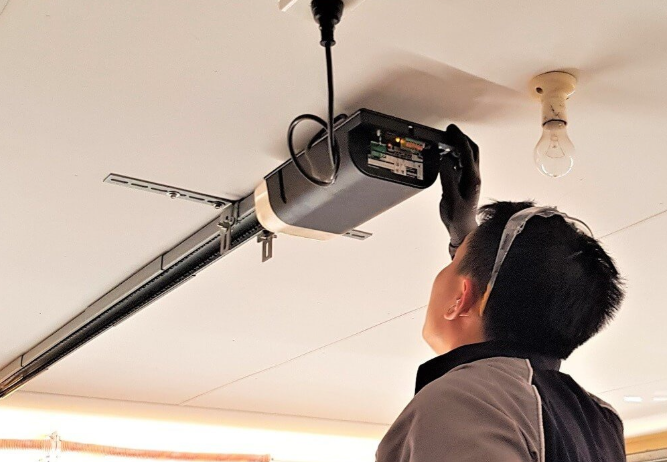
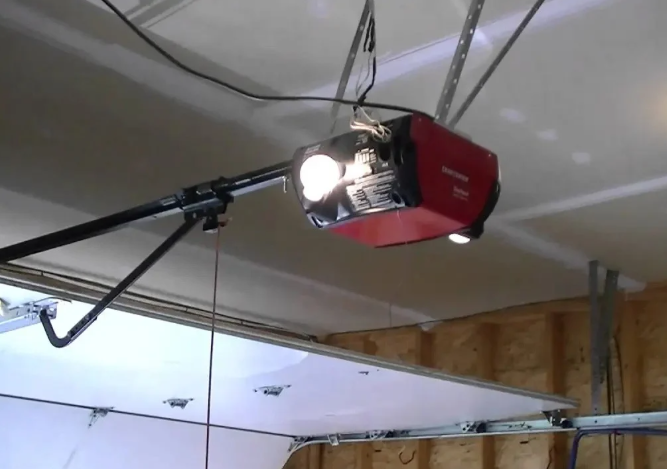
A LiftMaster garage door opener can stop working in a few different ways. Sometimes the opener is totally silent. Other times, the lights turn on, you hear a click, but the door does not move. You might also see the door start to close and then reverse, or the remote works only when you are right in front of the garage.
Most of the time, the cause is not mysterious. It usually comes down to power, safety sensors, control settings, signal range, Wi-Fi pairing, or a door that is adding too much resistance.
Quick Checks That Solve Many “Not Working” Problems
Start here because these checks resolve a large share of LiftMaster garage door opener problems in minutes. If your opener is responding inconsistently, completing these steps first also keeps you from chasing the wrong issue.
If you suspect a settings glitch after a flicker or storm, read How to Reset a LiftMaster Garage Door Opener Step by Step.
Run these quick checks:
- Breaker not tripped
- The outlet has power
- Plug fully seated
- The wall button works
- Lock mode off
- Remote battery fresh
If any item fails, correct it and test again. If everything passes and the opener still is not working, keep going.
Power Problems That Make the Opener Seem Dead
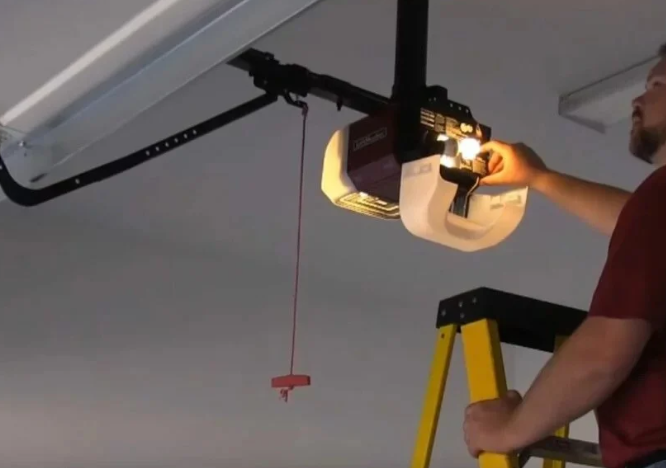
If the garage door opener has no lights, no sound, and no response from the wall button, treat this as a power issue until you prove otherwise.
Check the Outlet and GFCI
Many garages use GFCI outlets, and a tripped GFCI can shut down the opener even when the breaker looks fine.
Do this:
- Press the GFCI reset
- Test with a lamp
- Try another outlet
If the outlet does not power another device, the opener cannot run. Restore outlet power first.
Check the Breaker Panel
Sometimes a breaker looks “on” but is actually tripped. Flip the breaker fully off, then back on.
If it trips again quickly, stop testing. Repeated trips can signal an electrical issue that should be handled safely by a qualified professional.
Check the Opener’s Power Connection
It sounds basic, but vibration can loosen plugs over time, especially in garages with frequent door cycles.
Confirm:
- Plug seated tight
- Cord not damaged
- Ceiling outlet secure
If the cord looks damaged or pinched, stop using the opener until it is repaired correctly.
Safety Sensor Problems That Stop the Door From Closing
If your garage door opener opens the door but will not close it, or it starts closing and then reverses, the safety sensors are the first thing to inspect.
These photo-eye sensors sit near the bottom of the tracks. They create an invisible beam across the opening. If that beam is blocked or misaligned, the opener treats it as a safety risk.
Fast Sensor Checks
- Lenses wiped clean
- Beam path clear
- Lights steady, not blinking
- Brackets not bent
- Wires connected tightly
In San Antonio, TX, dust can build up quickly and coat the lenses. Bright sunlight can also interfere, especially late in the day. If the sensor light flickers only at certain times, try shading the sensor briefly while testing.
Helpful Clue: Wall Button Behavior
Some openers will close only if you hold the wall button down when the sensors are not reading correctly. If you can close the door by holding the wall button but not with the remote, sensors are still the top suspect.
Remote, Keypad, and Wall Control Issues
A LiftMaster garage door opener can be working fine, but the control device may be the real issue. This is especially common after you reset the opener, replace a router, or change batteries.
Remote Not Working
Start with the basics:
- Replace the remote battery
- Test a second remote
- Stand closer first
- Watch the remote LED
If the remote LED is dim or not lighting, a fresh battery is usually the answer.
If the LED looks normal but the opener does nothing, the remote may have lost pairing. This happens often after a learn-button reset. If you need reprogramming help, read How to Reprogram a LiftMaster Remote After a Reset?.
Family Handyman notes that remote and wall control issues are often caused by power loss, lock mode, or lost pairing rather than opener failure.
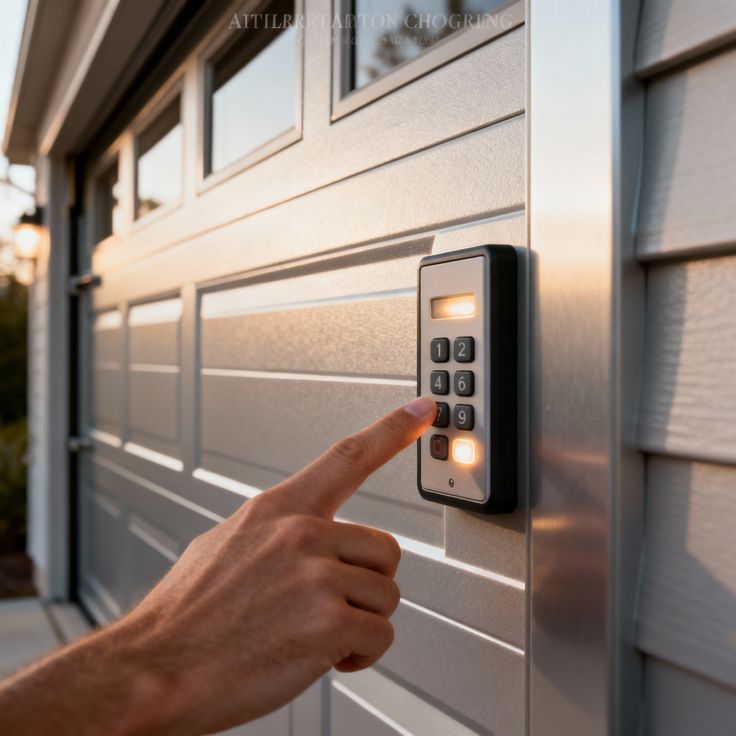
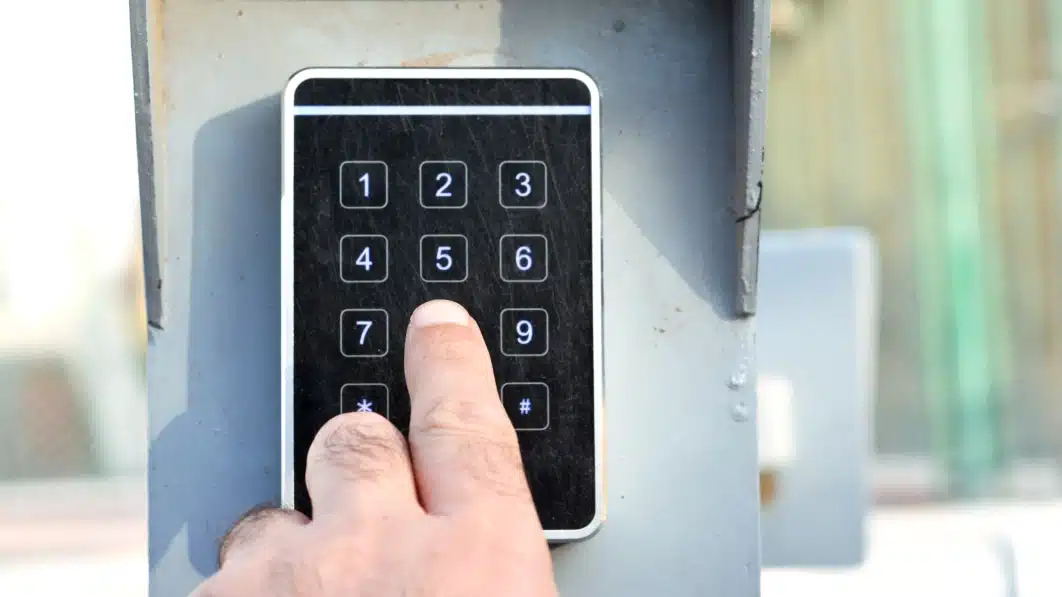
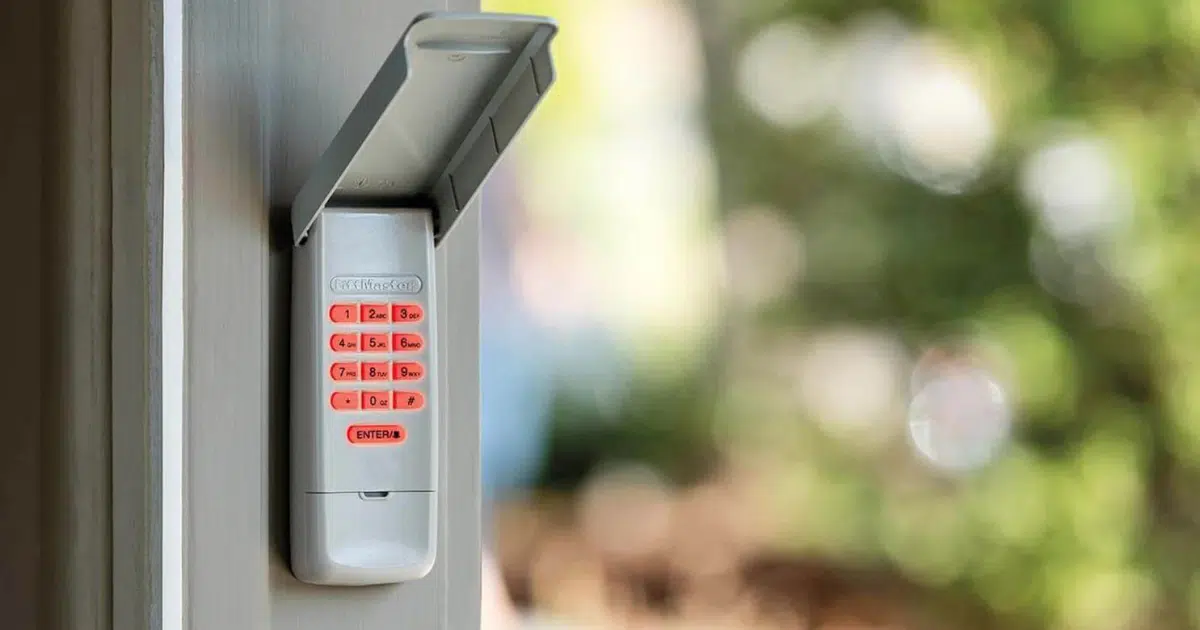
Keypad Not Working
Keypads commonly fail due to battery issues, sun exposure, or a cleared pairing.
Try:
- Replace the keypad battery
- Confirm keypad lights
- Re-enter your PIN
- Pair again if needed
If you reset the opener recently, the keypad likely needs to be paired again using the learn button process.
Lock Mode Is On
Many wall controls include a lock feature that disables remotes and keypads. It can be enabled by accident.
Clues:
- Wall button works
- Remotes do nothing
- Keypad does nothing
Try holding the lock button for several seconds, then test again.
The Door Itself May Be the Problem
If the opener runs but struggles, stops, or reverses, the door may be adding too much resistance. The opener is designed to stop when it senses resistance because that can be a safety concern.
Test Door Balance Safely
With the door closed, pull the emergency release handle to disconnect the door from the opener. Then lift the door manually.
A healthy door should:
- Lift smoothly
- Feel manageable
- Stay halfway up
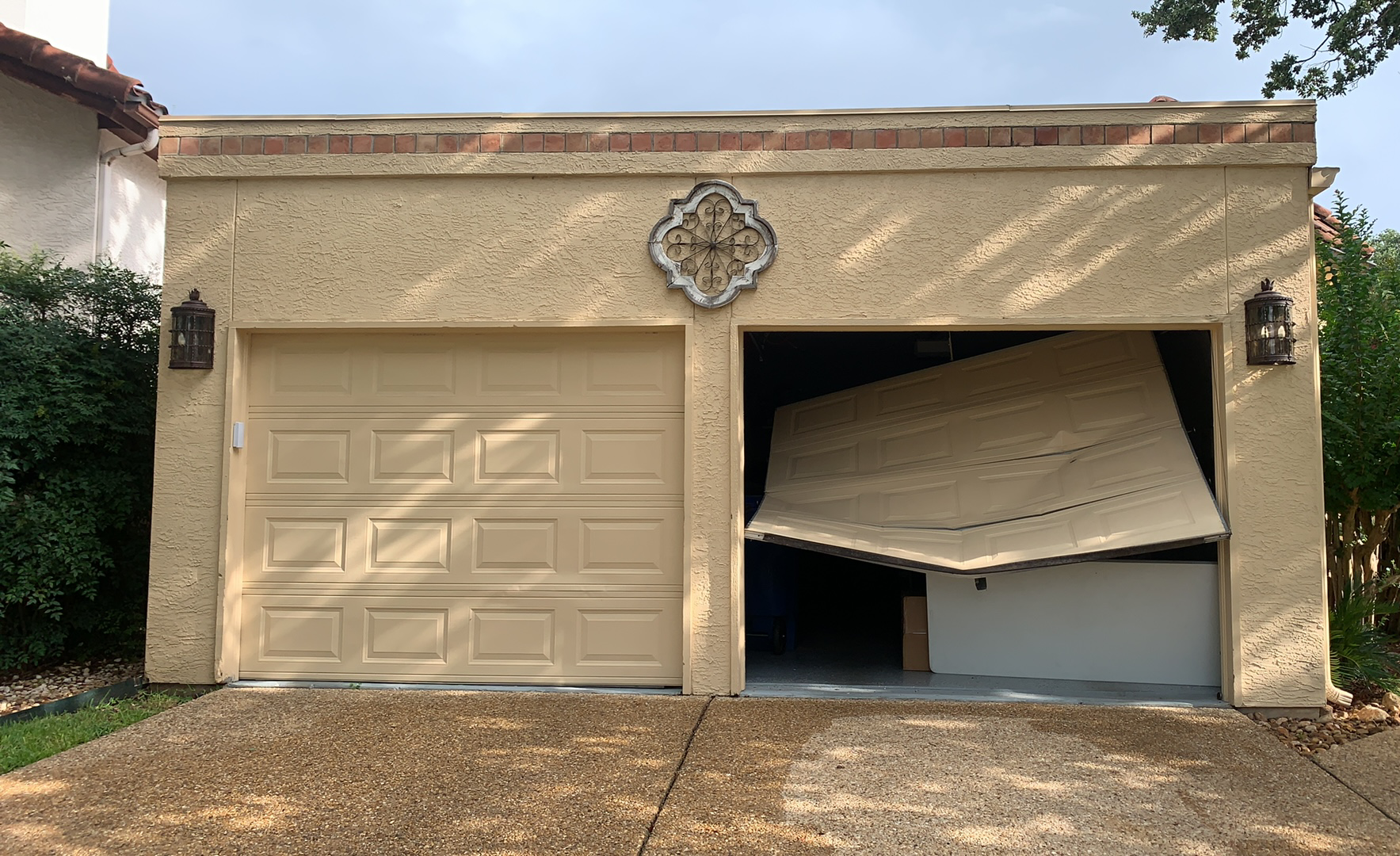
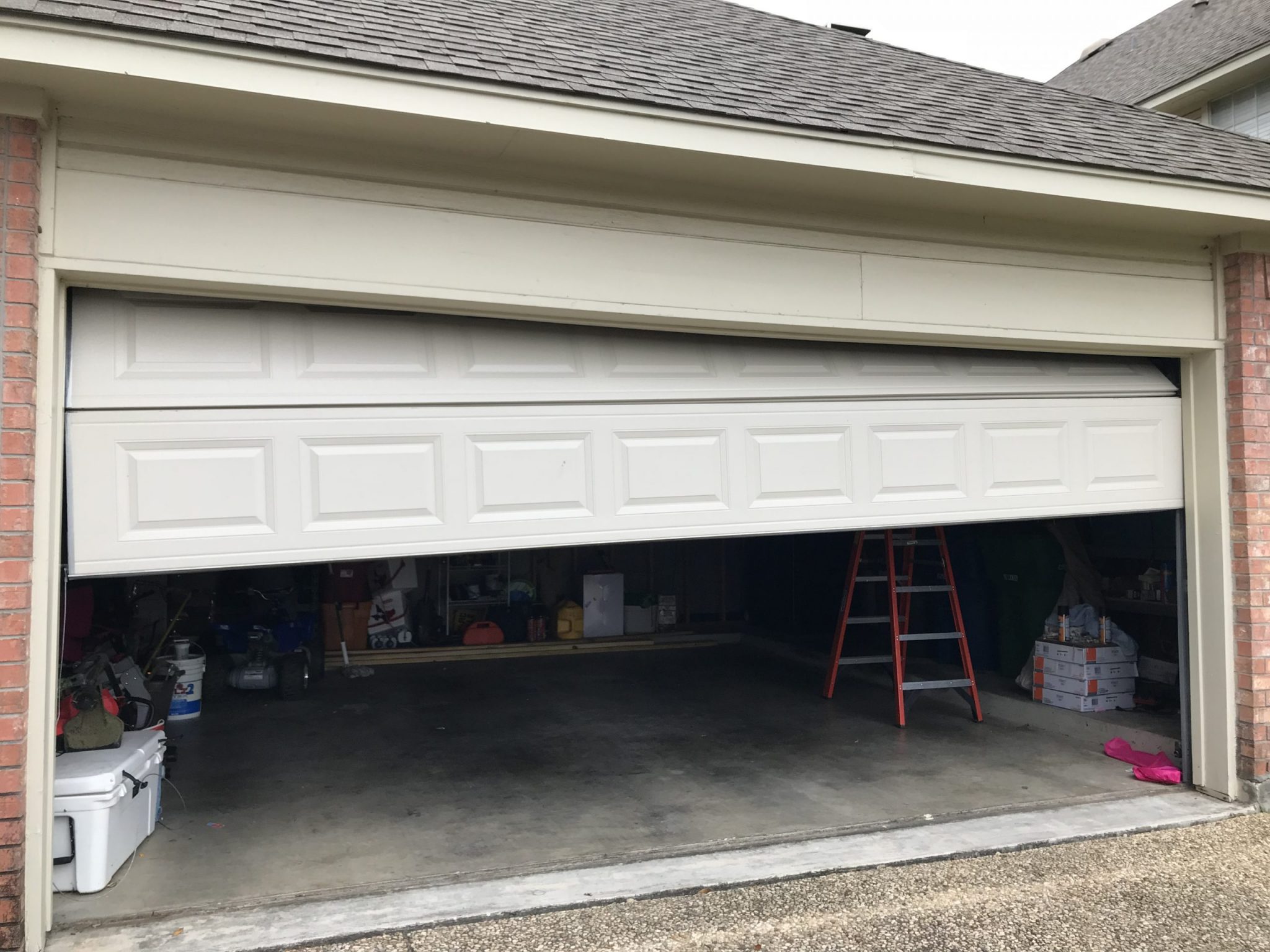
If the door feels heavy, sticks, or drops quickly, the problem is not the settings. That points to springs, rollers, track alignment, or other door hardware. In that case, repeated resets will not solve the issue and can create more strain on the opener.
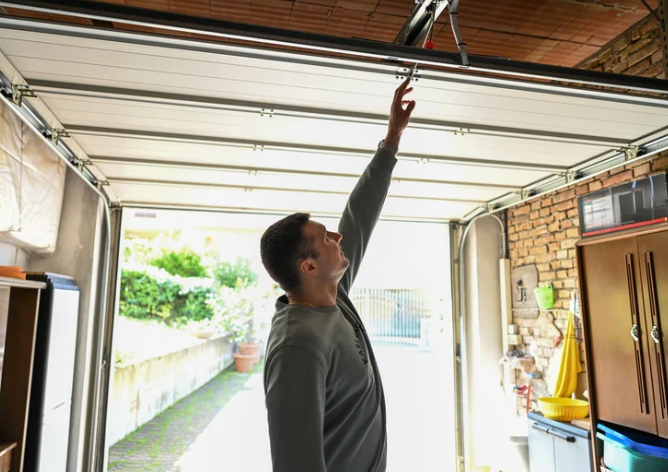
The Opener Runs, but the Door Does Not Move
This is a very common “it’s on, but it’s not working” scenario. You may hear the motor run, see the trolley move slightly, or hear a click, but the door stays put.
Possible causes:
- Emergency release engaged
- Trolley not connected
- Carriage worn out
- Chain/belt too loose
- The door jammed in the track
Quick checks:
- Confirm trolley connected
- Check the release rope position
- Inspect chain/belt tension
- Try the manual lift test
If the emergency release is engaged, you may need to reconnect the trolley by pulling the release handle toward the opener (varies by model) and running the opener until it clicks back into place.
Travel Limits and Force Settings
If the door closes, touches the floor, and then reverses, travel limits or force settings may need attention. You may also see this if the door stops short and goes back up.
Signs:
- Stops short of the floor
- Touches floor, reverses
- Opens partway only
- Shakes at endpoints
These settings can drift over time as door hardware wears or after earlier adjustments. Resetting can help in some situations, but travel and force tuning may still be needed to restore smooth, safe movement.
Signal Range Problems and Interference
If the remote works only when you are close to the garage, the opener may be fine, but the signal range is being reduced.
Common causes:
- Remote battery weak
- Antenna damaged
- Antenna tucked up
- LED bulbs interfering
- Nearby devices interfering
Quick actions:
- Replace the remote battery
- Check the hanging antenna
- Move the LED bulbs out
- Test outside interference
Some LED bulbs in garage door openers can cause radio interference. If the range got worse after changing a bulb, swap it for a different bulb type and retest.
myQ and Wi-Fi Problems That Look Like Failure
Sometimes the door works from the wall button and remote, but the myQ app shows “offline.” That can feel like the LiftMaster garage door opener is not working, but it is actually a connection issue.
Common signs:
- App shows offline
- App commands fail
- Remote still works
- Wall button still works
Try:
- Restart router
- Confirm Wi-Fi password
- Toggle phone Wi-Fi
- Power cycle opener
If you reset the opener or changed your router name/password, you may need to reconnect myQ, and read How to Reconnect LiftMaster myQ After a Reset?.
If your router name or password changed, this official myQ article walks through the clean reconnect process.
When Resetting Helps and When It Will Not
Resetting is most useful when controls are confused, the opener logic is stuck, or pairing was lost after an outage.
Resetting will not correct:
- Heavy, unbalanced door
- Bent or damaged tracks
- Worn rollers or hinges
- Broken spring system
- Motor or gear failure
If you hear grinding, the opener strains, or the door feels heavy by hand, focus on repair rather than repeating resets.
LiftMaster Garage Door Opener Repair vs Installation
Sometimes the smartest next step is LiftMaster garage door opener repair. Other times, LiftMaster garage door opener installation is the better long-term move, especially if the unit is older or failing repeatedly.
Repair is often the right move when:
- Sensors misaligned
- Remote lost pairing
- Travel limits off
- Chain/belt needs tuning
- Door hardware needs service
Installation can be the better move when:
- The opener is very old
- The motor is failing
- Parts are hard to source
- Repeated breakdowns
- You want newer features
If you are unsure, we can help you decide based on how your door moves, how the opener responds, and what will be most reliable for your home.
Get Back to a Reliable Garage Door Today
If your LiftMaster garage door opener is not working, the fastest path is to confirm power, inspect safety sensors, verify control settings, and test door balance before you reset anything. Those steps save time and help avoid extra strain on the opener when the real issue is mechanical or electrical.
Mojo Garage Door Service helps homeowners across San Antonio, TX restore smooth operation with clear options, whether we are handling LiftMaster garage door opener repair, restoring controls after a reset, or completing a LiftMaster garage door opener installation when your current unit is no longer dependable. Contact us or give us a call.
Frequently Asked Questions
Why does myQ say offline, but the remote still works?
That usually means the opener is fine and the issue is Wi-Fi signal, router settings, or app pairing.
Does myQ work on 5 GHz Wi-Fi?
Many openers connect best on 2.4 GHz. If your router combines both bands under one name, we may need to connect through 2.4 GHz during setup.
What if myQ connects but keeps dropping offline?
That often points to a weak Wi-Fi signal in the garage. Strengthening coverage near the opener typically improves reliability.
Can we reconnect myQ without deleting the device?
Sometimes yes, but if the app keeps holding the old setup profile, deleting and adding again can be faster.
Should we restart the router before reconnecting?
Yes. Restarting the router can clear glitches and make reconnecting smoother.
What if the app will not find the opener?
We check setup mode timing, app permissions, Wi-Fi band, and signal strength. Any one of these can block discovery.
Does a power outage cause myQ to disconnect?
It can. Power flickers can reboot the router or opener in an unstable way, which can require a reconnect.
Will remote programming affect myQ?
Not directly. Remote pairing and myQ pairing are separate, but after a full reset, you may need to do both.
When should we reach out for help?
If reconnect steps fail repeatedly, or the opener itself is inconsistent, we can troubleshoot on-site and restore reliable operation.